
Works4Prompt← Back to collection
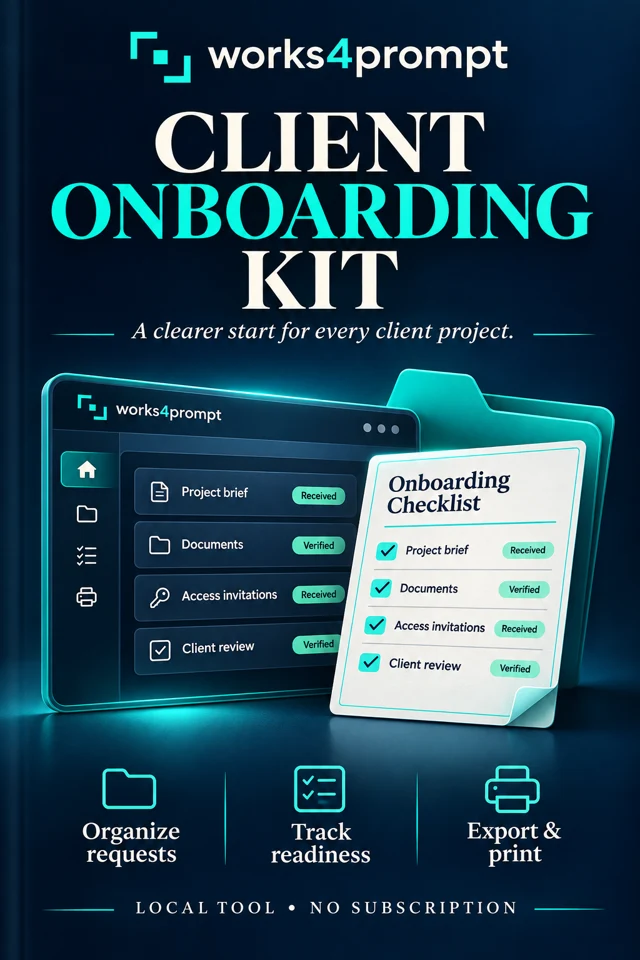
Client Onboarding Kit cover

Local client onboarding tool

Client Onboarding Kit

Organize client requests, documents and access invitations before a project starts.

Product details

  • Track received and verified items, prepare editable email drafts, save JSON backups and print a project summary.
  • Local browser tool with up to 50 checklist items and three fictional examples.
  • No automatic saving or email sending.
  • Readiness is recorded manually; it does not constitute client approval.

$20 USD

One-time purchase. No subscription. Final currency and applicable taxes are shown at checkout.

Buy on Gumroad ↗

Checkout and download are handled by Gumroad.

Who Client Onboarding Kit is for

For freelancers and small agencies who want a clearer picture of what is ready and what is still missing before a client project starts.

How it works

  1. Extract the ZIP and open index.html. No account, subscription or external AI service is required.
  2. Turn documents, content, access invitations and client reviews into a checklist of up to 50 items, with responsibilities, priorities and due dates.
  3. Mark items as required, optional or not applicable, and follow the readiness indicator and overdue items.
  4. Edit the kickoff, reminder and status-update email drafts, export a JSON backup and print a project report.

Frequently asked questions

Does it send emails?

No. Copy the drafts and send them from your own email app.

Is my project data saved?

Information is processed locally and nothing is saved automatically. Export a JSON backup before closing or reloading.

Should I store client passwords in it?

No. Never enter passwords, API keys or recovery codes. Request access through invitations instead.

Does "ready" mean the client approved?

No. Readiness and statuses are recorded manually and are not client approval or an electronic signature.

Related resources

Explore the Works4Prompt collection →