
Works4Prompt← Back to collection
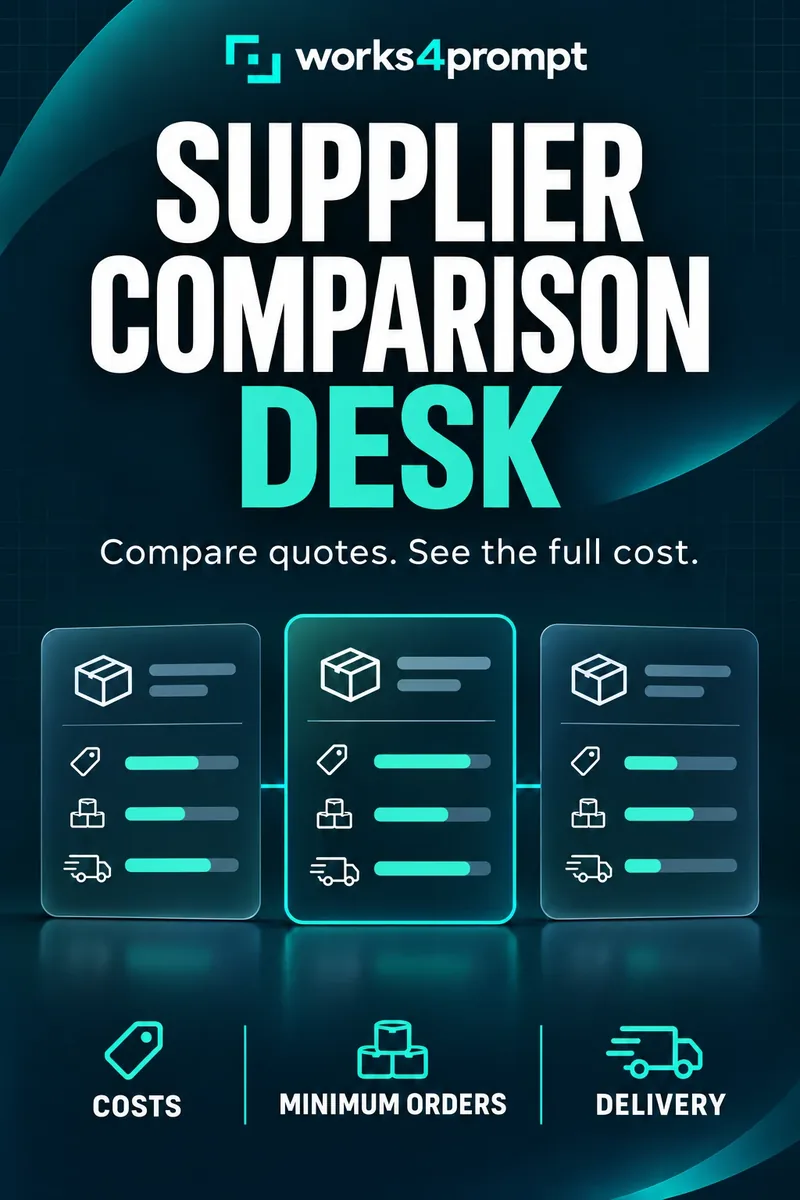
Supplier Comparison Desk cover

Local supplier comparison tool

Supplier Comparison Desk

Compare up to 12 supplier quotes for the same product, quantity and currency.

Product details

  • Review estimated total and unit costs, minimum orders and quoted delivery times.
  • Export entries and results as CSV.
  • Local browser tool, no account or subscription.
  • Costs are entered manually; no currency conversion, automatic taxes or supplier verification.
  • Entries are lost on refresh: export before closing.

$19 USD

Launch price. One-time purchase. Final currency and applicable taxes are shown at checkout.

Buy on Gumroad ↗

Checkout and download are handled by Gumroad.

Try the free example demo ↗

Who Supplier Comparison Desk is for

For small sellers, buyers and importers who want to compare supplier quotes for the same product, quantity and currency, because a lower unit price does not always mean a lower order cost.

How it works

  1. Download and extract the ZIP, keep the files together and open index.html in a modern browser. No installation, account or internet connection is needed.
  2. Enter up to 12 quotes with unit price, minimum order quantity, shipping, other fees and optional delivery time.
  3. Compare estimated total and per-unit costs. Quotes with missing data or a minimum order above your quantity stay visible with an explanation but are not ranked.
  4. Export entries, results and the reasons for unranked quotes as CSV before closing.

Frequently asked questions

Can I try it first?

Yes. A free public demo with three fictional examples is available on this site. It does not accept or save your own data.

Does it convert currencies or add import duties?

No. Compare quotes in the same currency (USD, EUR, GBP, CAD or AUD labels). Enter confirmed taxes or duties yourself.

Is the cheapest quote a recommendation?

No. The lowest cost is not a quality, reliability or delivery recommendation, and the tool does not contact or verify suppliers.

Are my entries saved?

No. Refreshing or closing clears them, so export a CSV before leaving.

Related resources

Explore the Works4Prompt collection →